
Introduction
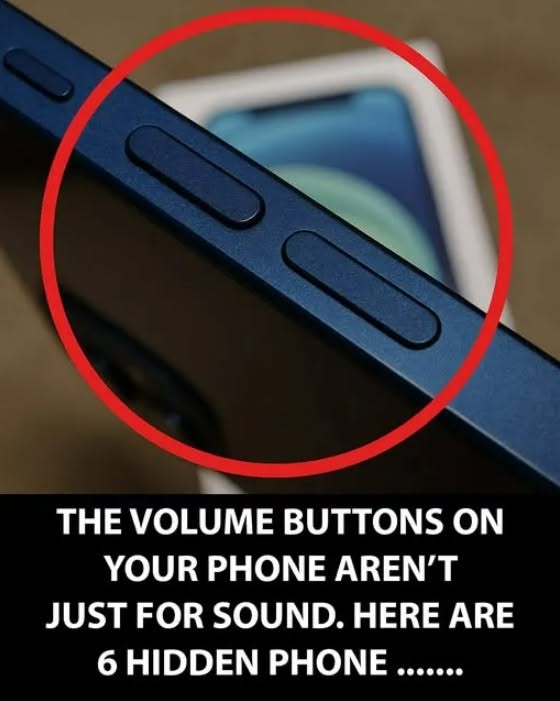
Smartphones are packed with clever shortcuts, accessibility options, and hidden features designed to make daily tasks faster and more convenient. While most people use the volume buttons exclusively for ringing, media playback, or silencing alerts, these physical keys often serve multiple auxiliary functions across different operating systems.
Managing your digital life, mobile tech setups, and household finance requires staying organized and informed. This comprehensive guide explores lesser-known smartphone shortcuts, practical tech tips, and how to get the most out of your everyday devices.
Hidden Uses and Shortcuts for Volume Keys
Depending on your smartphone’s operating system (iOS or Android), the volume buttons can be utilized for several quick shortcuts.
1. Camera and Capture Shortcuts
-
Quick Shutter: In many camera applications, pressing either the volume up or volume down button acts as a physical shutter release to take a photo.
-
Burst Mode: Holding down a volume button can sometimes trigger rapid-fire burst shots, ensuring you capture the perfect moment.
2. Accessibility and Emergency Features
-
Emergency SOS: On many modern smartphones, pressing a combination of the power button and volume buttons quickly triggers emergency SOS features or calls for assistance.
-
Accessibility Menus: Certain device settings allow you to map custom shortcuts to long-press volume combinations, such as launching magnifier tools or voice assistants.
Practical Tips for Smartphone Optimization
-
Keep Software Updated: Regularly updating your phone’s operating system ensures you have access to the latest security patches, bug fixes, and customizable button shortcuts.
-
Clean Around Buttons: Dust and debris can occasionally build up around physical buttons; gently cleaning the edges with a soft brush or toothpick keeps them responsive.
-
Use Protective Cases Wisely: Choose phone cases that allow easy tactile access to volume and power buttons without causing accidental presses.
Interesting Facts About Smartphone Design
-
Physical vs. Solid-State: While most phones still use traditional mechanical clicky buttons, some high-end devices have experimented with solid-state haptic buttons that simulate a physical click using vibration motors.
-
Ergonomic Placement: Smartphone manufacturers spend countless hours testing button placement to ensure they are easily reachable whether the user is right- or left-handed.
-
The Evolution of Side Keys: Early mobile phones had minimal side controls, but the rise of multimedia playback and touchscreens made dedicated volume rockers essential hardware features.
Conclusion
Your smartphone is full of clever surprises, and learning simple shortcuts like utilizing your volume buttons for extra tasks can make your daily tech experience even smoother. Explore your phone’s settings today and unlock its full potential!
Frequently Asked Questions (FAQ)
Can I change what my volume buttons do?
Many smartphones allow you to customize button actions—such as controlling media volume by default instead of ringtone volume—through the main settings menu.
Do volume camera shortcuts work on both iPhone and Android?
Yes, pressing the volume keys to snap a photo is a built-in feature supported natively by both iOS and most major Android camera apps.
What should I do if my volume buttons stop working?
First, check for any debris trapped around the button casing, restart your device, or consult a professional technician if it is a hardware malfunction.
